How to Choose Event Management Software in 2026
The event management software market has exploded. There are dozens of platforms competing for your attention, each claiming to be the best. This guide cuts through the noise and helps you evaluate what actually matters for your events.
What to Look For
Not every platform needs every feature. But these are the capabilities that separate modern event management software from legacy tools:
Must-Have Features
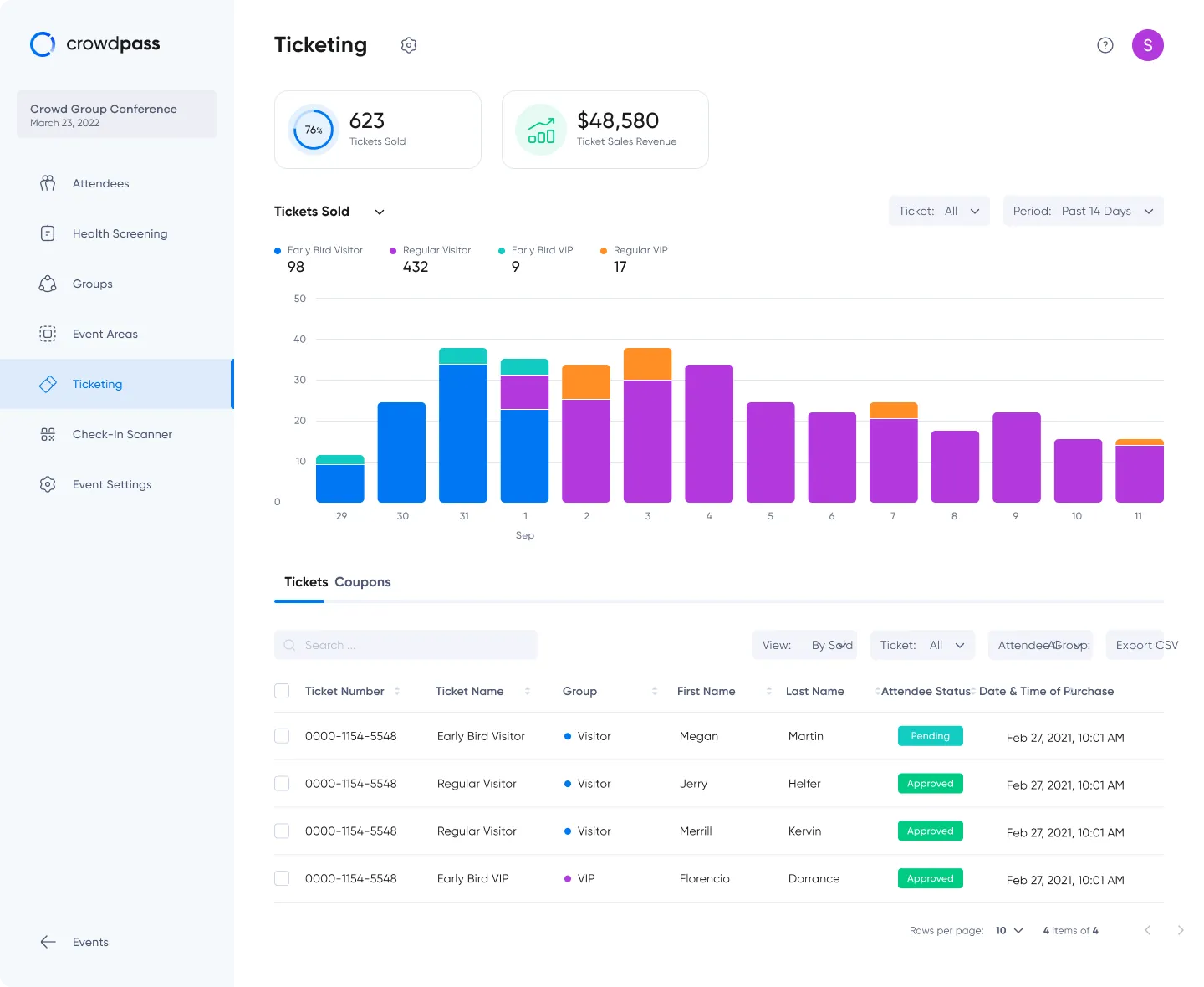
Online registration with custom forms, payment processing, and confirmation workflowsOn-site check-in that works fast and reliably, even with spotty WiFiBadge printing on-demand at check-in for a professional attendee experienceAccess control for managing multi-zone venues and restricted areasAnalytics and reporting with real-time dashboards, not just post-event CSVsDifferentiating Features
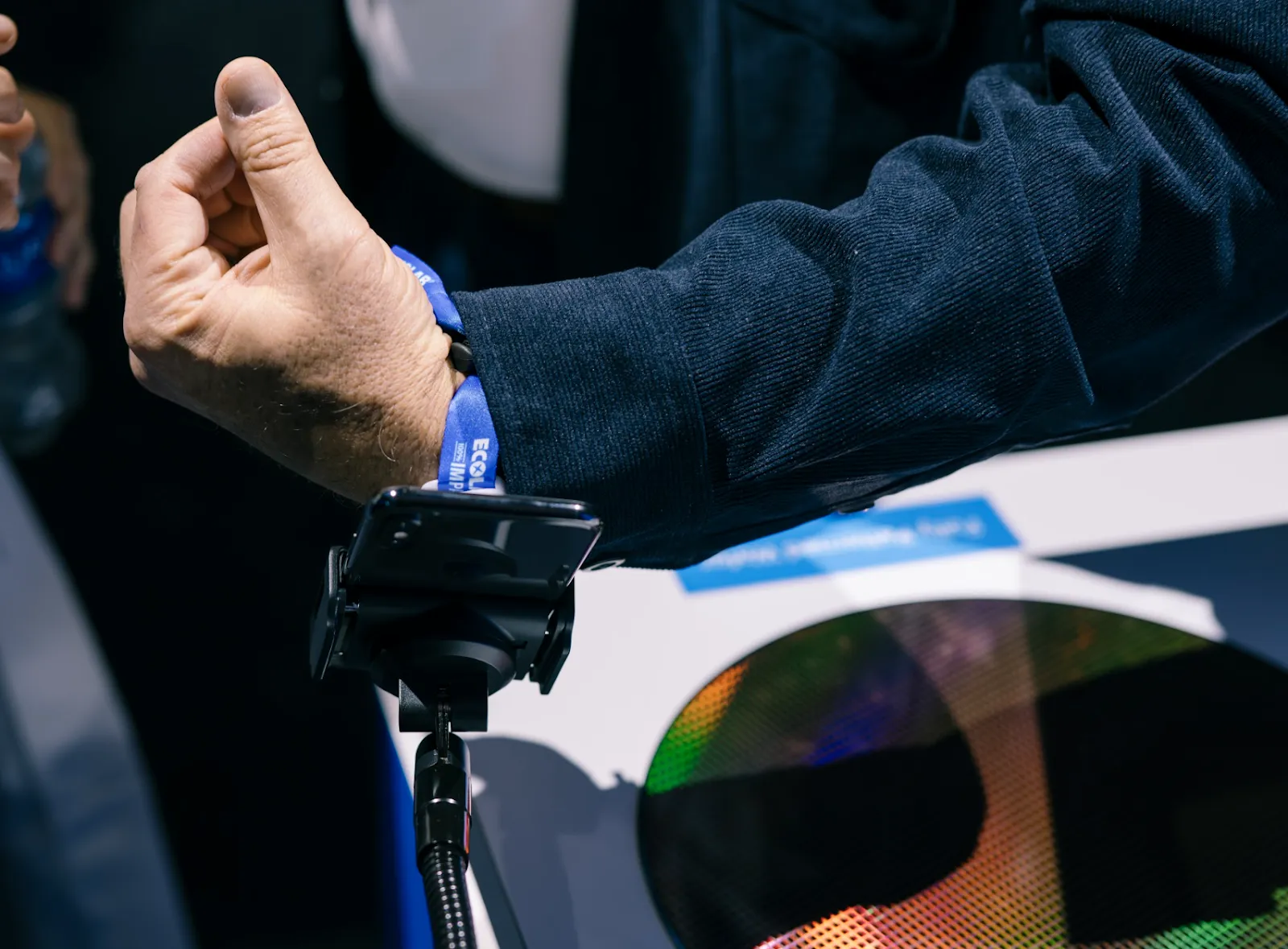
NFC and RFID support for contactless entry, lead retrieval, and cashless paymentsLead retrieval built into the platform so exhibitors do not need third-party toolsAI-powered tools for event creation, email drafting, and workflow automationSMS and email marketing integrated with your attendee dataCustom landing pages to promote events and drive registrationsPricing Models to Understand
Event software pricing varies wildly. Here are the common models:
Per attendee — Pay a per-registrant fee. Best for single events or testing.Monthly subscription — Flat monthly fee, unlimited events. Best for organizations with regular events.Annual contract — Discounted rate locked in for 12 months. Best for enterprise buyers with predictable needs.Hybrid — Low monthly fee plus per-attendee credits. Best for growing teams with variable event sizes.Freemium — Free tier with limited features. Best for very small or infrequent events.Watch out for hidden costs: setup fees, per-feature add-ons, hardware rental, and support tier upgrades.
Questions to Ask During Evaluation
Does it handle on-site, or just online? Many platforms stop at registration. The best ones carry through to check-in, badge printing, and access control.What hardware is required? Some platforms need expensive proprietary hardware. Others work with standard tablets and printers.How long does setup take? Enterprise platforms can take weeks to implement. Modern platforms should have you running in hours.What does support look like? Is on-site support available for your events? What are response times?Can I try before I buy? A demo or sample event is the fastest way to evaluate fit.Matching Software to Event Type
**Conferences and trade shows** need badge printing, session tracking, and lead retrieval. Look for platforms with built-in exhibitor tools.
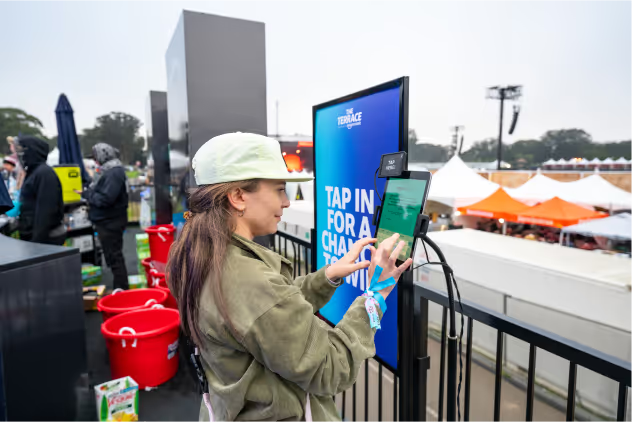
**Festivals and large-scale events** need NFC wristbands, multi-zone access control, and real-time crowd analytics. Prioritize platforms with hardware integration.
**Corporate events** need branded registration, executive check-in experiences, and polished analytics for stakeholder reporting.
**University and campus events** need student integration, attendance tracking, and flexible credentialing for diverse event types.
The Bottom Line
The best event management software in 2026 is the one that covers your complete event lifecycle — from the first registration to the last check-out scan — without forcing you to stitch together five different tools. Look for an all-in-one platform with modern technology (NFC, real-time analytics, AI), transparent pricing, and a team that supports you on event day.